Mobile creativity has leveled up fast. Today’s AI image generator apps let you create studio-quality visuals directly on your iPhone—no desktop required. The key differences come down to output quality, speed, ease of use, and how well each app fits mobile workflows.
Here are five of the best AI image apps you can use in 2026, with each tool evaluated on equal footing.
1. NanoBanana — Best Overall AI Image Generator for Mobile
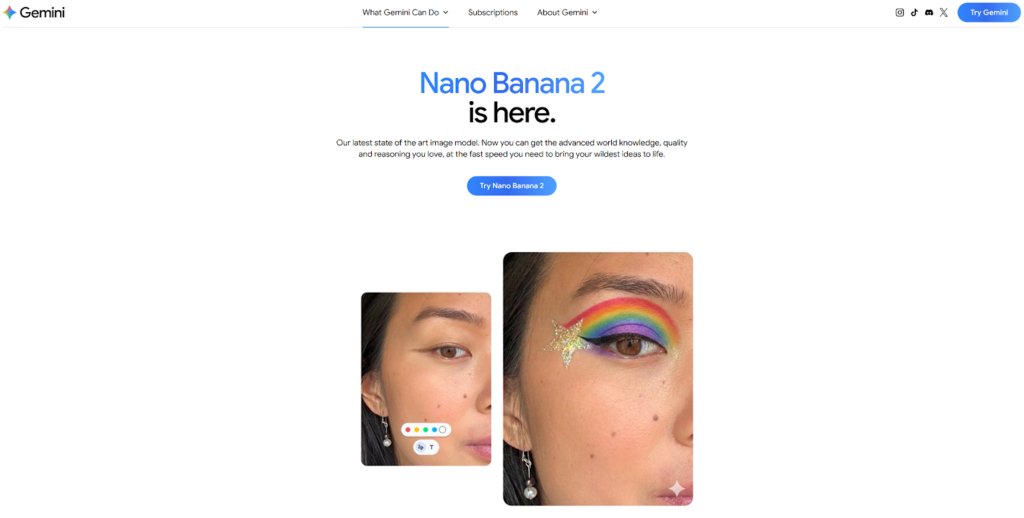
NanoBanana stands out as the most complete mobile-friendly AI image generator right now. Built on Google’s Gemini models, it delivers high-quality results with minimal effort.
What makes it ideal for iPhone users is how fast and intuitive it feels. You can generate images from text, edit photos using simple prompts, or even combine multiple images into one—all without complex controls. The app is optimized for speed, often generating results in just a few seconds while maintaining strong visual consistency.
Another major advantage is resolution. NanoBanana supports outputs up to 4K, which means your images are usable for social media, ads, or even print without extra editing.
If you want a single AI image generator that works smoothly on mobile and produces professional results, NanoBanana is the safest pick.
2. Pollo AI — Best Multi-Model AI Image App
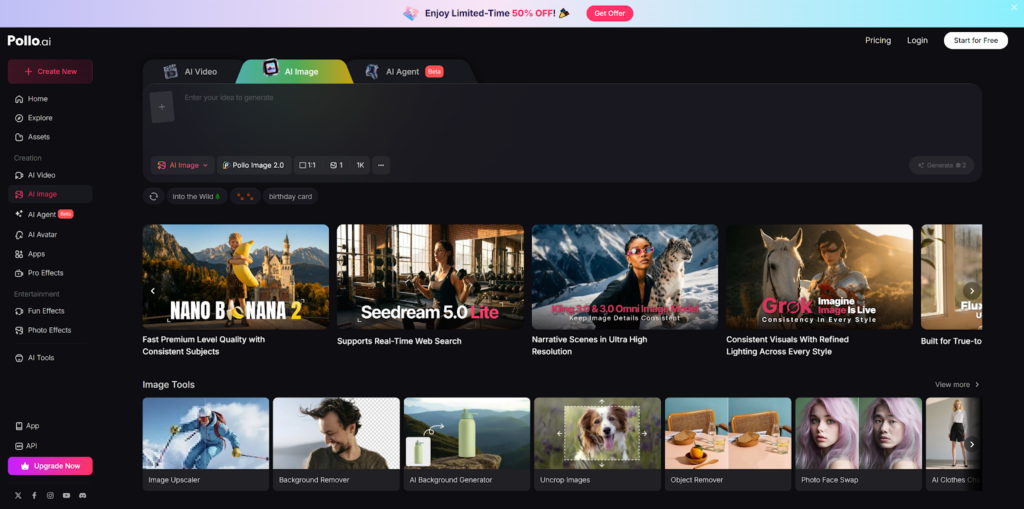
Pollo AI takes a different approach by offering multiple AI models inside one content creator app. Instead of relying on a single engine, it gives you access to tools like Stable Diffusion, DALL·E, and other advanced models in one interface.
For mobile users, this flexibility is a big advantage. You can switch between styles depending on your needs—photorealistic images, artistic designs, or social media visuals—without leaving the app. This makes it especially useful for marketers and content creators who need variety.
Pollo AI also integrates image and video generation workflows, which is rare for mobile apps. That means you can generate an image and immediately turn it into short-form video content.
If your priority is versatility rather than sticking to one model, Pollo AI offers one of the most flexible AI image generator experiences on iPhone.
3. Midjourney — Best for Artistic Quality on Mobile
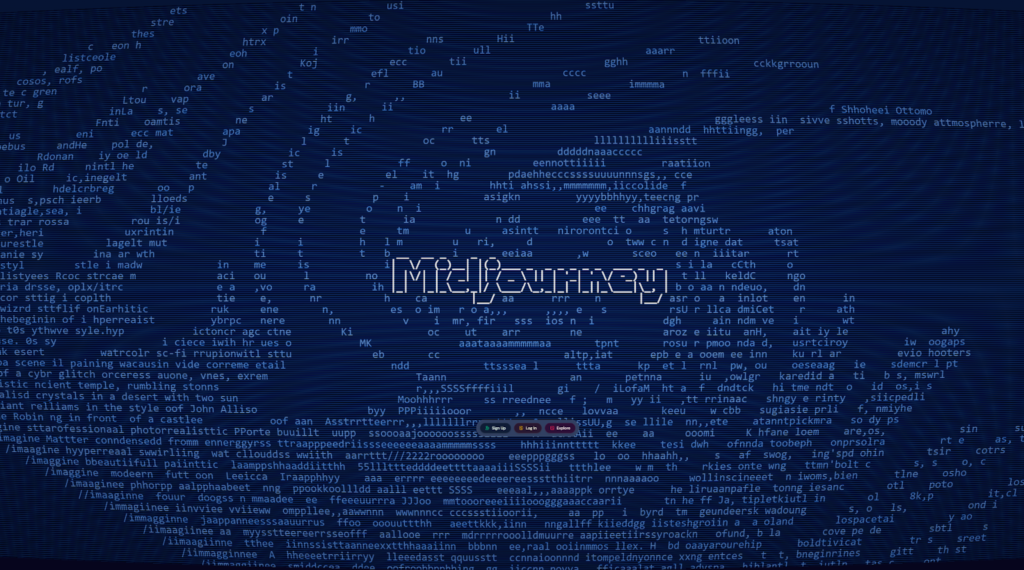
Midjourney remains one of the strongest tools for creating visually striking, artistic images. While it started as a Discord-based platform, its newer web interface makes it much more accessible on mobile devices.
What sets Midjourney apart is its ability to produce images that feel like real artwork rather than typical AI outputs. It excels at mood, lighting, and composition, making it ideal for creative projects like branding, concept art, or social content.
However, it’s not fully optimized as a native mobile app. You’ll still rely on a browser or external interface, which can slow down workflows compared to dedicated apps.
If your goal is aesthetic quality over speed or convenience, Midjourney is still one of the best AI image generator options available.
4. Adobe Firefly — Best for Professional Editing on iPhone
Adobe Firefly has quickly become a serious player in mobile AI creation, especially for users already in the Adobe ecosystem.
Its mobile app allows you to generate images from text prompts and edit them using tools like Generative Fill and Generative Expand—features that mirror Photoshop capabilities.
The biggest advantage here is workflow integration. Everything syncs with Adobe Creative Cloud, so you can start a project on your iPhone and refine it later on desktop without losing progress.
Firefly is also trained on licensed data, making it a safer choice for commercial use compared to some other AI image generator tools.
If you want professional-grade editing combined with AI generation, Firefly is one of the most practical mobile options.
5. Leonardo AI — Best for Assets and Game Design
Leonardo AI is a powerful AI image generator designed for creators who need more control, especially in areas like game design, UI assets, and digital art.
On mobile, it offers a surprisingly smooth experience with a wide range of presets and fine-tuning options. You can generate consistent assets, experiment with different styles, and even train custom models for specific use cases.
What makes Leonardo stand out is its balance between ease of use and advanced features. Beginners can use presets, while experienced users can dive deeper into customization.
It may not be as simple as NanoBanana or as flexible as Pollo AI, but for structured creative work, Leonardo AI is one of the most capable mobile tools available.
Final Thoughts: Which One Should You Choose?
Not all mobile AI tools are built the same, and the “best” choice depends on how you create.
- Choose NanoBanana if you want the best balance of quality, speed, and simplicity
- Choose Pollo AI if you want multiple models and creative flexibility
- Choose Midjourney if your focus is artistic visuals
- Choose Adobe Firefly for professional editing workflows
- Choose Leonardo AI for structured design and asset creation
The biggest shift in 2026 is that mobile tools are no longer limited versions of desktop software. The right AI image generator app can now handle everything—from quick social posts to high-end creative production—directly from your iPhone.
Leave a Reply