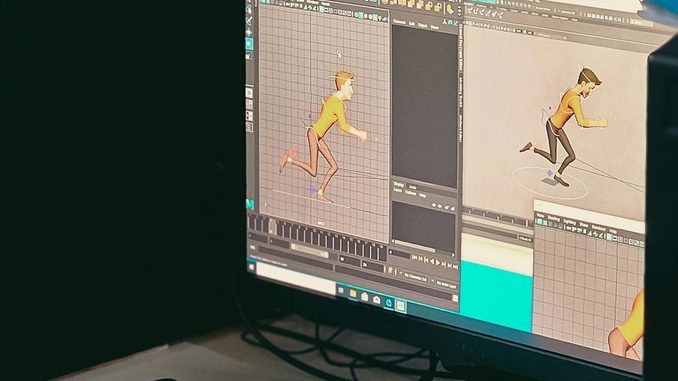
Over the past few years, short animated clips that once needed a team of illustrators can now be drafted by software in minutes. AI anime video generation is the process of turning a text prompt, a still illustration or a short storyboard into moving anime-style footage. The results are not a replacement for hand-drawn work, but they have become good enough for concept tests, social clips and early pre-visualisation. This article explains how the technology actually works, where it shines, and where a human eye is still essential.
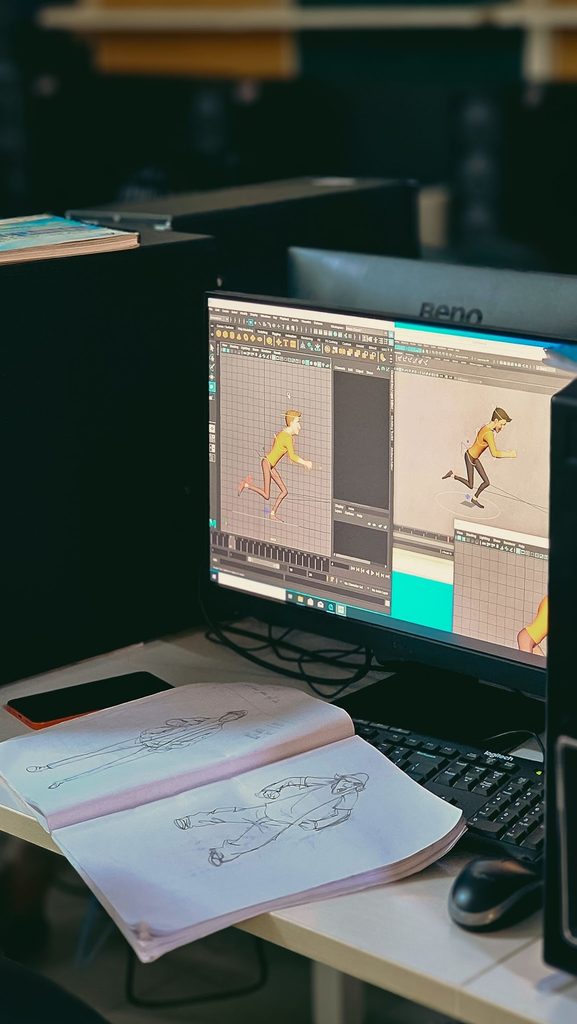
Animation studio workspace with sketches and digital character design on screen. Photo: RD / Pexels (free licence).
What AI Anime Video Generation Actually Means
AI anime video generation is not a single model doing one job. It is a pipeline. First, the system has to understand a request: a character design, a mood, a camera move, or a few seconds of action. Then it has to invent a sequence of frames that look like the same world from one moment to the next. Finally, it has to keep the style stable, so a character does not quietly change hair, outfit or face shape halfway through the shot.
That last point is what separates a convincing clip from a novelty. Anime depends on clear line work, consistent colour and readable motion. If the model treats every frame as a fresh illustration, the clip flickers. If it leans too hard on copying the first frame, the motion looks stiff. Good tools try to balance those two pressures.
Creators who want to watch this pipeline in practice often start with a short test rather than a full scene. A best ai anime video generator can take a still character or a brief text prompt and produce a few seconds of animation, which makes the later stages of the process much easier to judge.
The Models Behind Anime-Style Motion
Most current systems are built on generative models that learn patterns from large collections of images and video. Diffusion models are the best-known family. They begin with visual noise and gradually refine it into a picture that matches a text or image condition. For video, the same idea is extended across time. The model is trained not only to make a frame look right, but also to make neighbouring frames agree with one another.
Under the hood, that usually involves a few working parts:
- A text encoder, often based on a transformer, that turns the prompt into a numerical description of the scene.
- An image or video backbone that predicts the next refinement step in a compressed latent space, which is cheaper than working on raw pixels.
- Temporal layers or attention across frames, so motion, lighting and character features carry forward instead of being redrawn from scratch.
- Optional guidance from a reference image, a pose map, a line sketch or a short driving video.
Older approaches, including generative adversarial networks, showed that machines could imitate an illustration style. They were weaker at stable, multi-second motion. The shift to latent video models, and to methods that condition on a still frame, is why short anime clips now hold together more often than they did a few years ago.
From Prompt to Finished Clip: The Typical Workflow
The practical workflow is usually simpler than the research papers suggest. A person starts with one of three inputs: a written prompt, a finished illustration, or a rough sequence of key poses. The tool then samples a short clip, often two to eight seconds, at a modest resolution. The first pass is treated as a draft.
From there, the useful work is editorial. The creator may lock the character’s face from the reference image, ask for a slower camera move, or regenerate only the last two seconds if the ending collapses. Some tools also allow a seed or style preset so later shots stay in the same visual family. Once a take feels right, it can be upscaled, have frame interpolation added for smoother playback, and be cut into a longer edit with sound and titles.
This is closer to directing a short shot than to drawing every frame. The model proposes motion. The person decides whether that motion is readable, in character, and worth keeping.
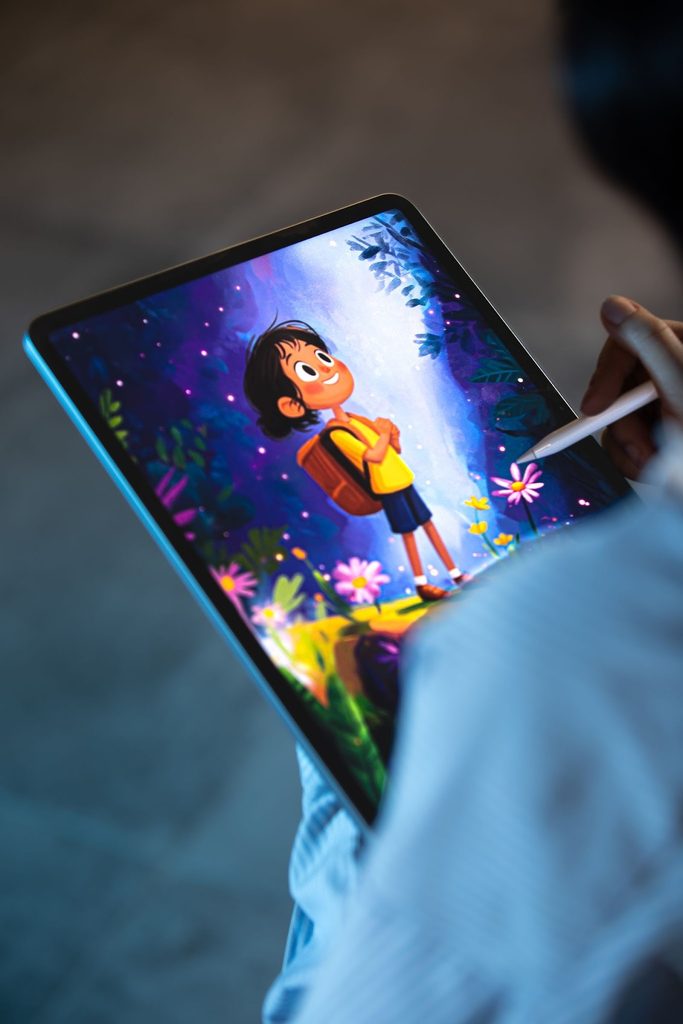
Artist creating a colourful digital illustration on a tablet. Photo: Yusuf Çelik / Pexels (free licence).
Image-to-Video, Text-to-Video and Character Consistency
Text-to-video is appealing because it starts from nothing but a description. It is also the least predictable option for anime, because the model has to invent the character, the background and the motion at once. Small prompt changes can produce a different face or costume.
Image-to-video is usually more controllable. The still image already defines the character and the style. The model’s job is to infer motion that respects that design: a head turn, a walk cycle, wind in a coat, or a simple camera push-in. For character-led work, this is the more reliable starting point.
Consistency still needs attention. Common techniques include feeding the same reference image into every shot, using a short identity embedding, or guiding the body with a pose sequence so the silhouette stays stable. Even then, hands, hair and background patterns are often the first things to drift. A careful pass by a human editor, or a second generation of the weak frames, is still part of a professional result.
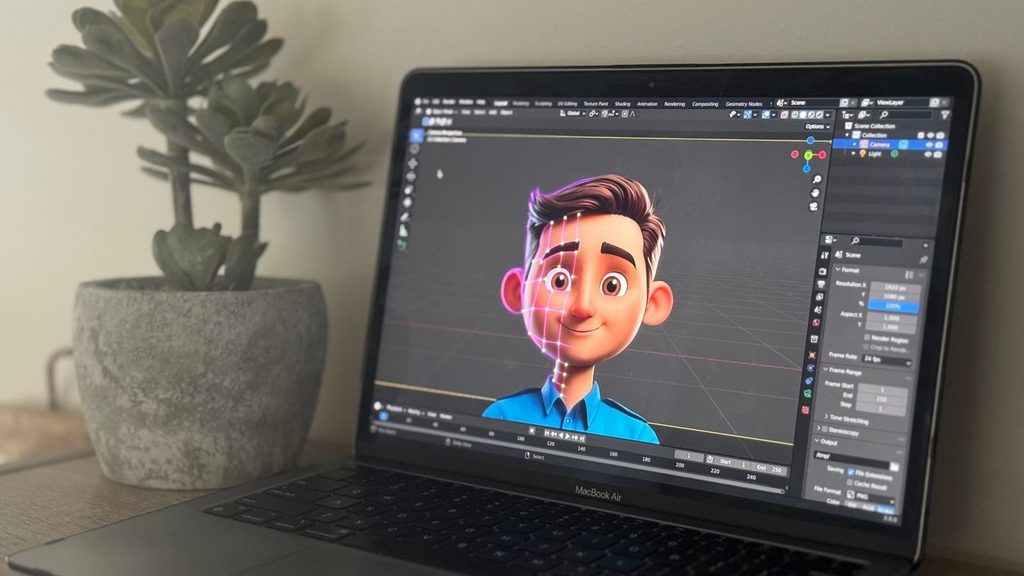
Laptop showing 3D animation in a creative workspace. Photo: Jake Heinemann / Pexels (free licence).
Quality, Style and the Limits of Current Tools
The best clips in 2026 tend to share a few traits. The shot is short. The camera move is simple. The character action is limited to one clear beat. The style is already present in the reference, rather than being described in a long prompt and hoped for. Under those conditions, AI anime video generation can look surprisingly polished.
The limits are equally clear. Long takes remain difficult because errors accumulate. Fast action, complex crowd scenes and precise lip sync are still weak points. A model may also mix visual habits from many anime styles at once, which can make a clip feel generic. And because these systems learn from existing artwork, they can reproduce familiar genre cues a little too readily. That is a creative problem as much as a technical one.
There is also a practical limit around control. If a director needs an exact 12-frame anticipation before a jump, a general video model may not honour that timing. In those cases, traditional key animation, or a hybrid in which AI fills holds and in-betweens, is still the more honest method.
Practical Tips for Clearer, More Believable Anime Clips
A few habits improve results more than any extra adjective in the prompt.
- Start with a strong still. A clean character turnaround or a well-lit key illustration gives the model a stable identity to follow.
- Ask for one action at a time. “She turns and smiles, then the camera rises over the city” is two shots, not one.
- Describe motion in plain terms: slow pan, short walk, hair moving in a light breeze, hold on the face.
- Keep the first output short, then extend only the takes that already work.
- Watch the hands, the eyes and the background. If those hold, the rest of the shot usually feels more trustworthy.
- Treat the model as a layout and timing assistant, then refine the edit, the colour and the sound yourself.
These steps do not make the system perfect. They do make its strengths easier to use and its failures easier to spot.
Conclusion
AI anime video generation in 2026 is best understood as a controlled sampling process, not as automatic filmmaking. Models turn prompts or still images into short sequences, then rely on temporal consistency methods to keep a character and a style intact. The most convincing work comes from short, well-prepared shots, a clear reference image, and a human editor who knows when to regenerate or cut. Used that way, the technology is already a practical sketching tool for motion. Used carelessly, it still produces flicker, drift and generic results. The difference is less about magic and more about how deliberately the pipeline is run.
Leave a Reply